
[Solved]Lab Assignment 9 Cs102 Intro C Programming Description Lab Exercise Designed Gain Practice Q37270923
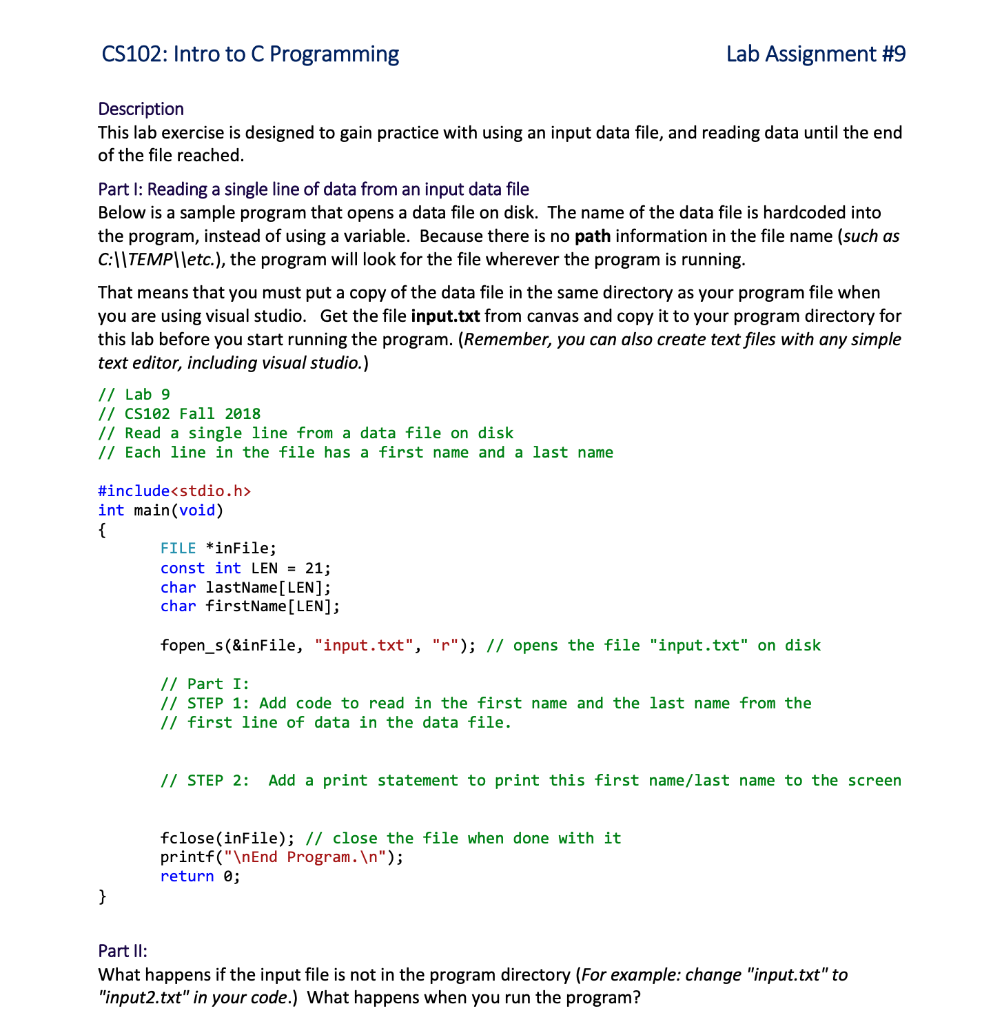
Lab Assignment #9 CS102: Intro to C Programming Description This lab exercise is designed to gain practice with using an input data file, and reading data until the end of the file reached Part l: Reading a single line of data from an input data file Below is a sample program that opens a data file on disk. The name of the data file is hardcoded into the program, instead of using a variable. Because there is no path information in the file name (such as C:ITEMPIletc.), the program will look for the file wherever the program is running That means that you must put a copy of the data file in the same directory as your program file when you are using visual studio. Get the file input.txt from canvas and copy it to your program directory for this lab before you start running the program. (Remember, you can also create textfiles with any simple text editor, including visual studio.) // Lab 9 /I CS102 Fall 2018 // Read a single line from a data file on disk // Each line in the file has a first name and a last name #include<stdio.h> int main (void) FILE *inFile; const int LEN = 21; char lastName[LEN]; char firstName [LEN]; fopen s(&inFile, “input.txt”, “r”) / opens the file “input.txt” on disk / Part I: /1 STEP 1: Add code to read in the first name and the last name from the // first line of data in the data file // STEP 2: Add a print statement to print this first name/last name to the screen fclose (inFile); /1 close the file when done with it printf(“nEnd Program.In”); return 0; Part II: What happens if the input file is not in the program directory (For example: change “input.txt” to “input2.txt” in your code.) What happens when you run the program? Part IIl: Getting the filename from the user To avoid the problem with having to place files in particular directories and hard-coding in names, we would rather give the user the option to provide us a data file name. Add the following to your program A string variable to hold a filename of up to 50 characters. Before the fopen_s statement, prompt the user to enter a filename and read it in from the keyboard . Replace the “input.txt” hardcoded string with your filename variable. Test your program to make sure it works. Try moving your input file to another location on disk (example: C:TEMPlinput.txt) and entering the full path (including directories) for the filename when d by your program. (THERE SHOULD BE NO SPACES anywhere in the path you choose or scanf cannot handle the data read). Part IV: Using a loop to read all lines until the end of the file is reached Our program will be more useful if it can read all the lines in the file. This input file has several data lines in it. Modify your program to loop until the end of the file is reached, reading each line of data, and printing out the first name and last name from each line in the file. Also add a counter to tell us how many lines were read in from this file. Print out the number of people that were in the file after you have printed out all of the lines of data in the file. Show transcribed image text Lab Assignment #9 CS102: Intro to C Programming Description This lab exercise is designed to gain practice with using an input data file, and reading data until the end of the file reached Part l: Reading a single line of data from an input data file Below is a sample program that opens a data file on disk. The name of the data file is hardcoded into the program, instead of using a variable. Because there is no path information in the file name (such as C:ITEMPIletc.), the program will look for the file wherever the program is running That means that you must put a copy of the data file in the same directory as your program file when you are using visual studio. Get the file input.txt from canvas and copy it to your program directory for this lab before you start running the program. (Remember, you can also create textfiles with any simple text editor, including visual studio.) // Lab 9 /I CS102 Fall 2018 // Read a single line from a data file on disk // Each line in the file has a first name and a last name #include int main (void) FILE *inFile; const int LEN = 21; char lastName[LEN]; char firstName [LEN]; fopen s(&inFile, “input.txt”, “r”) / opens the file “input.txt” on disk / Part I: /1 STEP 1: Add code to read in the first name and the last name from the // first line of data in the data file // STEP 2: Add a print statement to print this first name/last name to the screen fclose (inFile); /1 close the file when done with it printf(“nEnd Program.In”); return 0; Part II: What happens if the input file is not in the program directory (For example: change “input.txt” to “input2.txt” in your code.) What happens when you run the program?
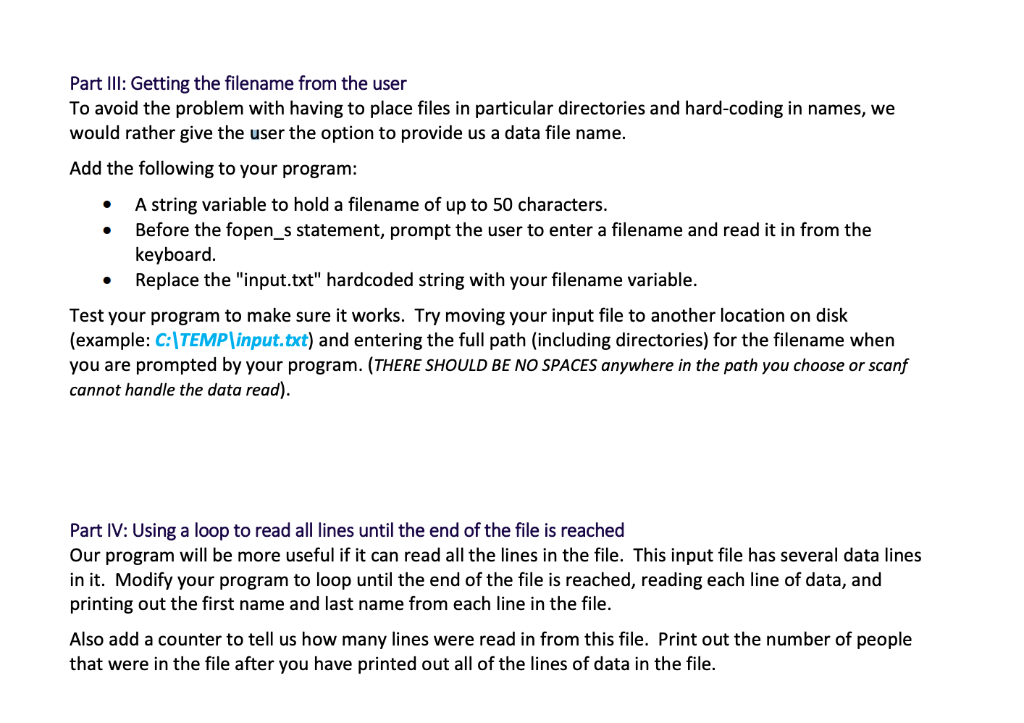
Part IIl: Getting the filename from the user To avoid the problem with having to place files in particular directories and hard-coding in names, we would rather give the user the option to provide us a data file name. Add the following to your program A string variable to hold a filename of up to 50 characters. Before the fopen_s statement, prompt the user to enter a filename and read it in from the keyboard . Replace the “input.txt” hardcoded string with your filename variable. Test your program to make sure it works. Try moving your input file to another location on disk (example: C:TEMPlinput.txt) and entering the full path (including directories) for the filename when d by your program. (THERE SHOULD BE NO SPACES anywhere in the path you choose or scanf cannot handle the data read). Part IV: Using a loop to read all lines until the end of the file is reached Our program will be more useful if it can read all the lines in the file. This input file has several data lines in it. Modify your program to loop until the end of the file is reached, reading each line of data, and printing out the first name and last name from each line in the file. Also add a counter to tell us how many lines were read in from this file. Print out the number of people that were in the file after you have printed out all of the lines of data in the file.
Expert Answer
Answer to Lab Assignment #9 CS102: Intro to C Programming Description This lab exercise is designed to gain practice with using an… . . .
OR
