
[Solved]Write C Program Allows User Perform Following Manipulations Rotate Image 90 180 270 Degree Q37288790
Write a C++ program that allows a user to perform the followingmanipulations:
Rotate the image by 90, 180, and 270 degrees:Prompt the user for the desired rotation degree. Alter the pixelvalues appropriately within the array structure of the Image classand update the raw data in the image file. Exit the program andopen the image with Irfan View to see the effect of therotation.
Apply color filter (brighten or darken all the pixels bya user-specified factor): Prompt the user for the desiredbrightness difference to be applied. Both positive and negativevalues must applicable in order to both darken and brighten theimage. Exit the program and open the image with Irfan View to seethe effect.
Add a watermark on the image, displaying the word“HILL”: The watermark refers to displaying the word “HILL”anywhere on the image. Prompt the user to specify the width andheight of the letters in terms of pixel values. To determine wherethe watermark will be applied, request the first row and column onwhich the user wishes to see the watermark. This represents thewatermark’s upper left corner. Finally insert a brightness valueallowing for different watermark shades. Only one value needs to besupplied for both, colored and greyscale images. If the combinationof starting watermark position and letter width, implies that partof the watermark would be placed outside of the image dimensionboundaries, prompt the user to re-enter letter dimensions andwatermark starting position.
Increase the resolution of an image by a user-specifiedinteger factor: Prompt the user to input the stretchfactor for rows and columns separately. This allows for increasingthe resolution while preserving the aspect ratio (row factor =column factor) but also stretching in either the vertical orhorizontal direction.
Save altered Image to file: Save image afteredit.
Note: All the above manipulations can beperformed by simply accessing and altering the brightness values.Since the pixel values must be stored within a structure of theImage class, you save the image by outputting that structure to afile, along with the format attributes. The program must prompt theuser to enter the file name of the image which is to bemanipulated.
Program Structure: Images are compatible withObject Oriented Design, since any image is effectively atwo-dimensional array with additional attributes corresponding tothe format. The same applies to the pixels, which have either oneor three values and an additional attribute for the format.
Your program must include an Image, andPixel class. The Image class requires to a datastructure to contain the pixel values, the file name that containsthe image, the format(P3, P2), and the image dimensions. Your imageclass should be compatible with both ppm andpgm files, thus the P3 and P2 schemesrespectively.
The pixel class must contain the format and brightness valuescorresponding to a pixel. The class needs to be compatible withboth ppm and pgm schemes.
Furthermore, you must overload at least two operators in yourprogram. The manipulations must be accessible to the user through aMenu, and must allow sequential alterations (first rotate, and thenchange the brightness). In order to make manipulations intuitive,you must also display the image dimensions and format prior torequesting any manipulation input.
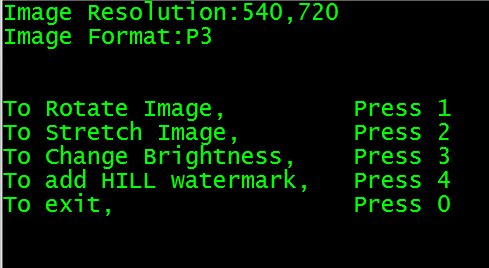
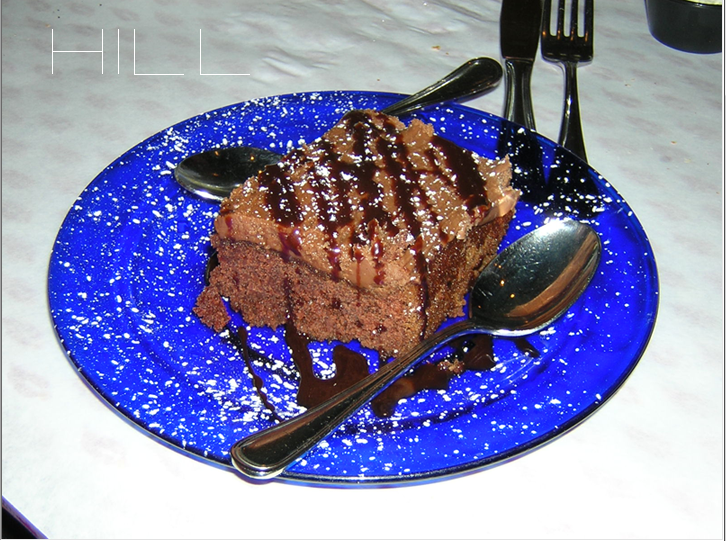
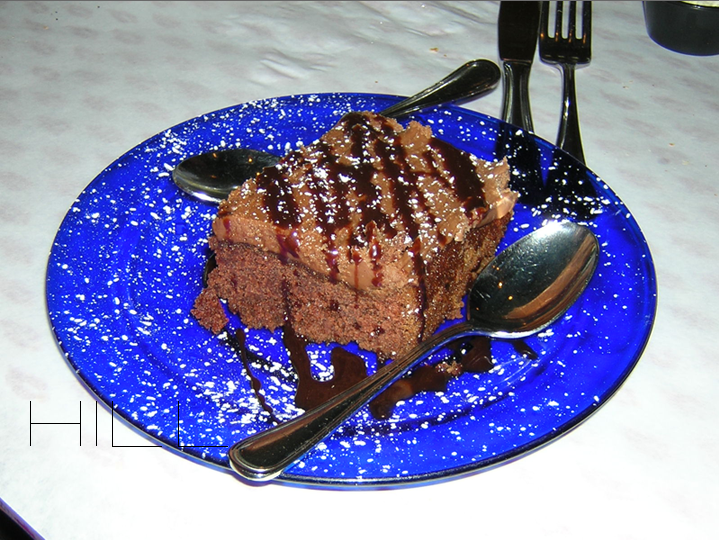
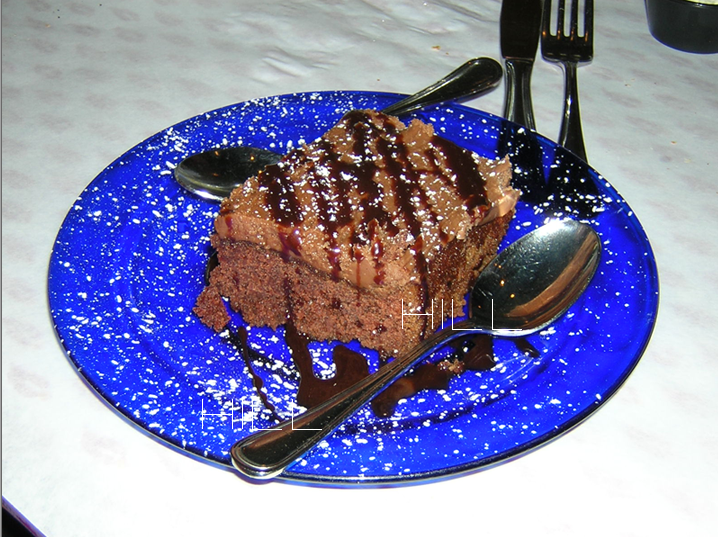
Image Resolution: 540,720 Image Format:P3 Press 1 Press 2 Press 3 Press 4 Press0 To Rotate Image, To stretch Image To Change Brightness то exit To add HILL watermark, We were unable to transcribe this imageWe were unable to transcribe this imageWe were unable to transcribe this imageWe were unable to transcribe this imageWe were unable to transcribe this imageWe were unable to transcribe this imageShow transcribed image text Image Resolution: 540,720 Image Format:P3 Press 1 Press 2 Press 3 Press 4 Press0 To Rotate Image, To stretch Image To Change Brightness то exit To add HILL watermark,
Expert Answer
Answer to Write a C++ program that allows a user to perform the following manipulations: Rotate the image by 90, 180, and 270 degr… . . .
OR
